

The short version
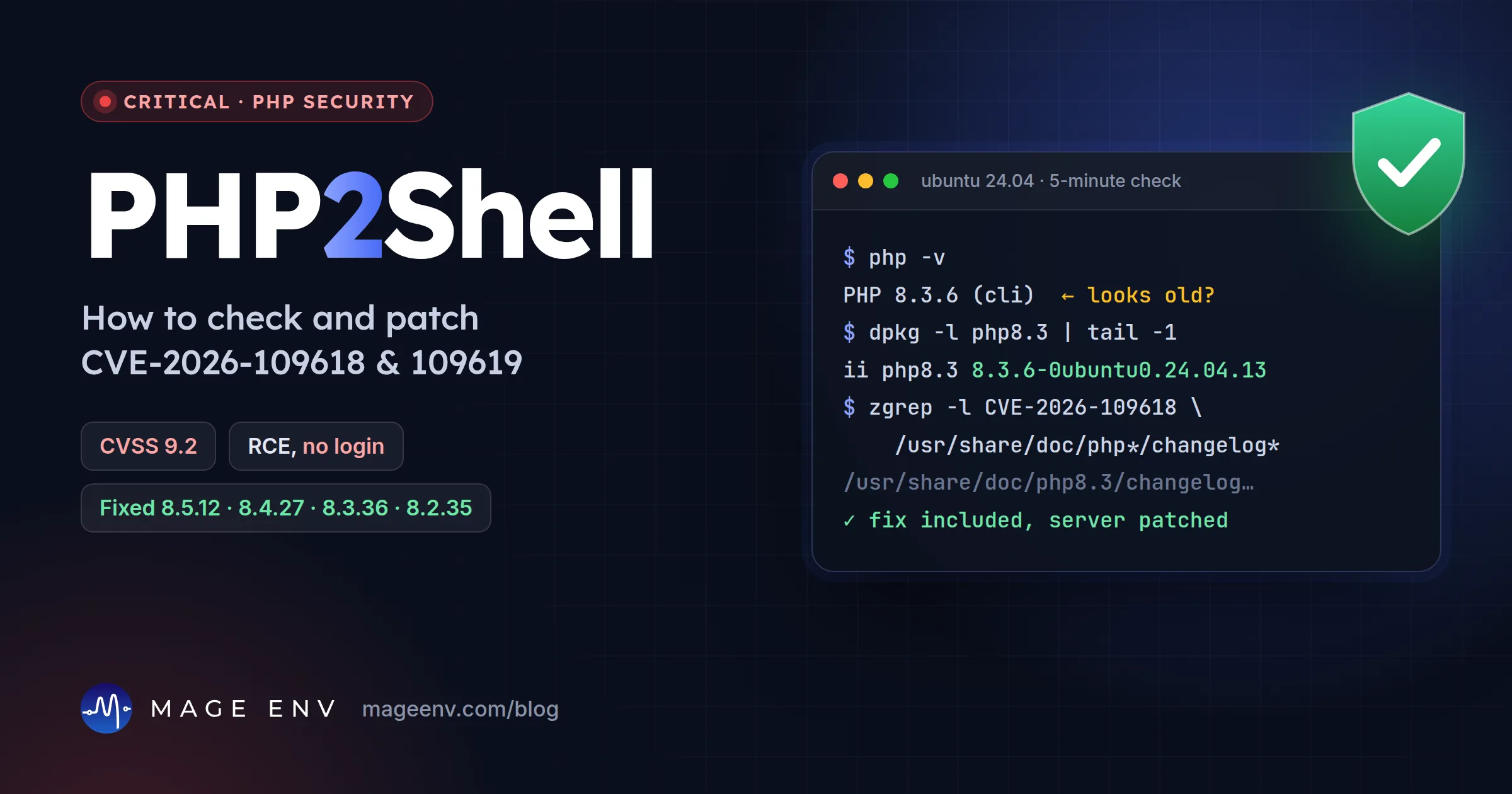
- What: two critical bugs in PHP itself, nicknamed PHP2Shell. Both are rated CVSS v4.0 9.2 and can let an attacker run code on your server without logging in.
- Who: every PHP installation that serves web pages: PHP-FPM, Apache with mod_php, php-cgi, FrankenPHP and LiteSpeed. The PHP team rates mod_php as the highest risk.
- Fix: update to PHP 8.5.12, 8.4.27, 8.3.36 or 8.2.35, or your Linux vendor's patched package, then restart PHP and the web server.
- Urgency: attacks have been reported. Treat this as a same-day job.
What happened
- 17 Oct 2026Amazon Threat Intelligence says its honeypots recorded an exploit attempt, four days before the bugs were made public (reported by Help Net Security).
- 20 Oct 2026The PHP security team gives advance notice of a critical release, with both bugs rated CVSS v4.0 9.2.
- 21 Oct 2026, 14:00 UTCPHP 8.5.12, 8.4.27, 8.3.36 and 8.2.35 are released with the advisory "Critical remote code execution vulnerabilities, update now". Ubuntu publishes USN-8948-1 and USN-8948-2 the same day.
- 21 Oct 2026watchTowr says it saw exploitation in its honeypot network. Cloudflare deploys WAF rules for known exploit paths.
The two bugs in plain English
CVE-2026-109618: code execution via out-of-memory corruption
If PHP runs out of memory at the wrong moment, it can stop while it is still setting up the data for a request. The cleanup step then treats that half-built data as valid. An attacker who can make PHP run out of memory on purpose, for example with a large or deeply nested request, can turn that into running their own code.
CVE-2026-109619: code execution via stale global state
Some data that belongs to one request can survive after its memory has been freed. The next request handled by the same PHP worker can then use that stale data before PHP resets it. This is a classic "use after free" bug, and it is the kind attackers turn into remote code execution.
Both bugs are in PHP's core, not in WordPress, Magento, Laravel or any other application. That is why updating your app or plugins does not fix this. Only updating PHP does.
Who is affected
In short: any website or API that runs PHP. That covers most of the web, including:
- WordPress and WooCommerce sites
- Magento Open Source and Adobe Commerce stores (self-hosted)
- Laravel, Symfony, Drupal, Joomla, PrestaShop, OpenCart and custom PHP apps
- Control panels, admin tools and appliances that bundle PHP. Fortinet, Cisco and Palo Alto Networks have all published checks for their own products.
The PHP team says the risk is highest with Apache mod_php, where it has shown an exploit in which an unauthenticated request starts the attack before any application code runs. PHP-FPM, php-cgi, FrankenPHP and LiteSpeed are also affected. Command-line PHP scripts that never serve web requests are not the main target, but they get the same package update anyway.
If your store runs on a hosted platform such as Shopify, you do not manage a PHP server, so there is nothing to patch on your side. Still check any PHP apps or servers you run alongside it.
Fixed versions
| PHP branch | Fixed in | Notes |
|---|---|---|
| 8.5 | 8.5.12 | On 8.5, also see the fatal_error_backtraces mitigation below. |
| 8.4 | 8.4.27 | |
| 8.3 | 8.3.36 | |
| 8.2 | 8.2.35 | End of life on 31 Dec 2026. Plan your upgrade. |
| 8.1, 8.0, 7.4 | No release | The PHP team published minimal source backports on GitHub. Otherwise, use a vendor package or upgrade. |
| 7.3 and older | No fix | Upgrade to a supported version. |
Ubuntu and Debian: why the version looks old
This is where most people get confused. Ubuntu and Debian add the security fix to their own build without changing the PHP version. On Ubuntu 24.04, php -v still says 8.3.6 after the update, even though the fix is in. Look at the package version instead:
| Ubuntu release | Package | Fixed package version |
|---|---|---|
| 26.10 | php8.5 | 8.5.9-0ubuntu2.1 |
| 26.04 LTS | php8.5 | 8.5.4-0ubuntu1.5 |
| 24.04 LTS | php8.3 | 8.3.6-0ubuntu0.24.04.13 |
| 22.04 LTS | php8.1 | 8.1.2-1ubuntu2.28 |
| 20.04 LTS | php7.4 | 7.4.3-4ubuntu2.29+esm5 (Ubuntu Pro / ESM only) |
Source: Ubuntu's CVE page, which rates the bugs Critical. On Debian, look up your PHP package in the Debian security tracker for your release. If you use a third-party repository, such as the popular Ondřej Surý PPA, check that repository's own changelog, because its version numbers follow upstream PHP.
5-minute check
1. Find out how PHP is served
# Apache with mod_php? (highest risk)
apache2ctl -M 2>/dev/null | grep -i php

# PHP-FPM running?
systemctl list-units --type=service | grep -i fpm
2. Check the installed package
# Ubuntu / Debian: is the fix in the package changelog?
zgrep -l "CVE-2026-109618" /usr/share/doc/php*/changelog.Debian.gz

# Installed versions of every PHP package
dpkg -l 'php*' | awk '/^ii/{print $2, $3}'

# RHEL, AlmaLinux, Rocky
rpm -q --changelog php | grep -m1 CVE-2026-109618
If the zgrep command prints file names, those packages contain the fix. If it prints nothing, update:
sudo apt update && sudo apt install --only-upgrade 'php*'3. Restart, so the running processes use the new code
Installing the package is not enough if old processes keep running. Restart PHP-FPM and the web server:
sudo systemctl restart apache2        # or nginx / litespeed
sudo systemctl restart php8.3-fpm     # match your version

# Anything still running the old, deleted PHP library? (should print nothing)
sudo grep -l 'libphp.*(deleted)\|php-fpm.*(deleted)' /proc/*/maps 2>/dev/null
4. Check what the website actually uses
The PHP your website uses can be a different version from the one on the command line. On servers with several PHP versions, check every version that a site uses, not just the default.
We ran this exact check on our own servers on 22 October. Ubuntu's automatic security updates had installed the fixed packages and restarted Apache and PHP-FPM that morning.
cPanel, Plesk, Docker and managed hosting
- cPanel / EasyApache 4: fixes ship as updated
ea-phppackages. CloudLinux reports fixed packages for its releases, with others rolling out. Run your system updates (or ask your host), then restart PHP-FPM. - Plesk: Plesk has published a support article for the PHP versions it ships. Update through the Plesk updater and check every PHP handler your sites use.
- Docker: containers do not update themselves. Rebuild your images on a base image with a fixed PHP version, pull the new image and redeploy every container. Pinned tags such as
php:8.3.30-fpmstay vulnerable until you change them. - Managed and shared hosting: most hosts patch for you, but check the PHP version in your hosting panel. Sites left on old PHP versions for compatibility are the most likely to be missed.
If you cannot update today
The PHP team is clear that only an update is a complete fix. These settings reduce exposure to the known attack paths while you schedule it:
; Set in php.ini, the FPM pool or the Apache config,
; not with ini_set() or .user.ini. Restart all workers after.
memory_limit = -1                    ; via php_admin_value so apps cannot override it
post_max_size = 8M                   ; 32M if you need file uploads
upload_max_filesize = 4M             ; keep below post_max_size
session.upload_progress.enabled = 0
fatal_error_backtraces = 0 ; PHP 8.5 only- Set limits at the web server or proxy for request size, field count, multipart parts, header count and nesting depth, including requests without a
Content-Length. - Use a container or cgroup memory limit to protect availability. The advisory warns not to use
RLIMIT_ASorRLIMIT_DATA, because they can trigger the vulnerable failure. - If your site is behind Cloudflare, its WAF rules for known exploit paths are available on all plans, including free.
Note that memory_limit = -1 removes PHP's memory cap. Watch server memory while it is in place, and switch it back after you update.
Checking for signs of a break-in
Because attacks were reported before and on release day, a patched server can still have been hit before the update. A quick review:
# PHP files created or changed recently in your web roots
find /var/www -name '*.php' -newermt '2026-10-15' -not -path '*/var/cache/*' | head -50

# Crashes and out-of-memory errors around the attack window
grep -hE 'Allowed memory size|Segmentation fault|exit signal' /var/log/apache2/*error*.log /var/log/php*-fpm.log 2>/dev/null | tail

# Processes and outbound connections owned by the web user
ps -u www-data -o pid,etime,cmd
sudo ss -tpn | grep -i www-data
Also check for new admin accounts in your CMS or store backend, unexpected cron jobs (crontab -l -u www-data) and changed .htaccess files. If you find anything you cannot explain, take a backup for investigation, rotate passwords and API keys, and rebuild from a known good state rather than cleaning by hand.
Questions
My site runs WordPress, Magento or Laravel. Do I need to change my code?
No. The bugs are in PHP itself, not in your application. Updating PHP on the server fixes them. With mod_php, the PHP team says an attack can start before any application code runs.
php -v still shows 8.3.6 on Ubuntu 24.04. Am I unpatched?
Not necessarily. Ubuntu adds security fixes to its own package without changing the PHP version number. Check the package version instead: 8.3.6-0ubuntu0.24.04.13 or later contains the fix.
Does a web application firewall protect me?
It helps but does not replace the update. Cloudflare says it deployed WAF rules for known exploit paths to all customers, including free plans. New variants can get around WAF rules, and the PHP team says updating is the only complete fix.
I am still on PHP 7.4 or 8.1. What now?
The PHP project no longer ships releases for these. It published minimal source backports for 7.4, 8.0 and 8.1, and some Linux vendors ship patched packages (for example Ubuntu 22.04 for PHP 8.1). If you have neither, upgrading to a supported PHP version is the real fix.
How do I know my hosting company patched it?
Ask them for the exact PHP package version or patch date, or run the check in this article. Shared and managed hosts usually patch for you, but many sites run on old PHP versions that hosts keep for compatibility, so do not assume.
Sources
- PHP.net: security advisory and releases, 20 and 21 October 2026
- GitHub advisory GHSA-w8hw-w9fx-j79w (CVE-2026-109618)
- GitHub advisory GHSA-6wmf-4rv5-p3rp (CVE-2026-109619)
- Ubuntu: CVE-2026-109618 status and fixed packages
- Help Net Security: PHP2Shell patched, update now
- watchTowr: PHP2Shell FAQ
- Plesk: PHP2Shell in PHP shipped with Plesk
- Imunify360: what it blocks and what needs the PHP update